How AI Portrait Generation Actually Works, A Plain English Explainer
A founder-level, plain English explainer of how AI portrait services actually turn your photo into stylized art. Diffusion models, likeness preservation, why some services produce slop, and the ethical questions worth taking seriously.

Builds AI art tools that real customers actually love. Obsessed with the craft of digital portraiture and the small details that make a portrait feel like a gift.
There is a moment, the first time you upload a photo to an AI portrait service, where the result feels like magic. You upload a phone snap of your dog standing in the kitchen, you choose a watercolor style, and ninety seconds later you have a painterly image that genuinely looks like your dog. The temptation is to either stop asking how, or to assume something faintly suspicious is happening behind the scenes. Neither response is quite right.
This article is the explainer I wish more services would publish. I am going to walk you through what an AI portrait actually is, what happens between your photo upload and your finished image, why preserving likeness is genuinely hard, what separates good AI portraits from the cheap, slightly off, slop you see flooding social media, and the ethical questions worth taking seriously. No marketing language, no mystification. Just the actual mechanics, explained in plain English.
What is an AI portrait, really?
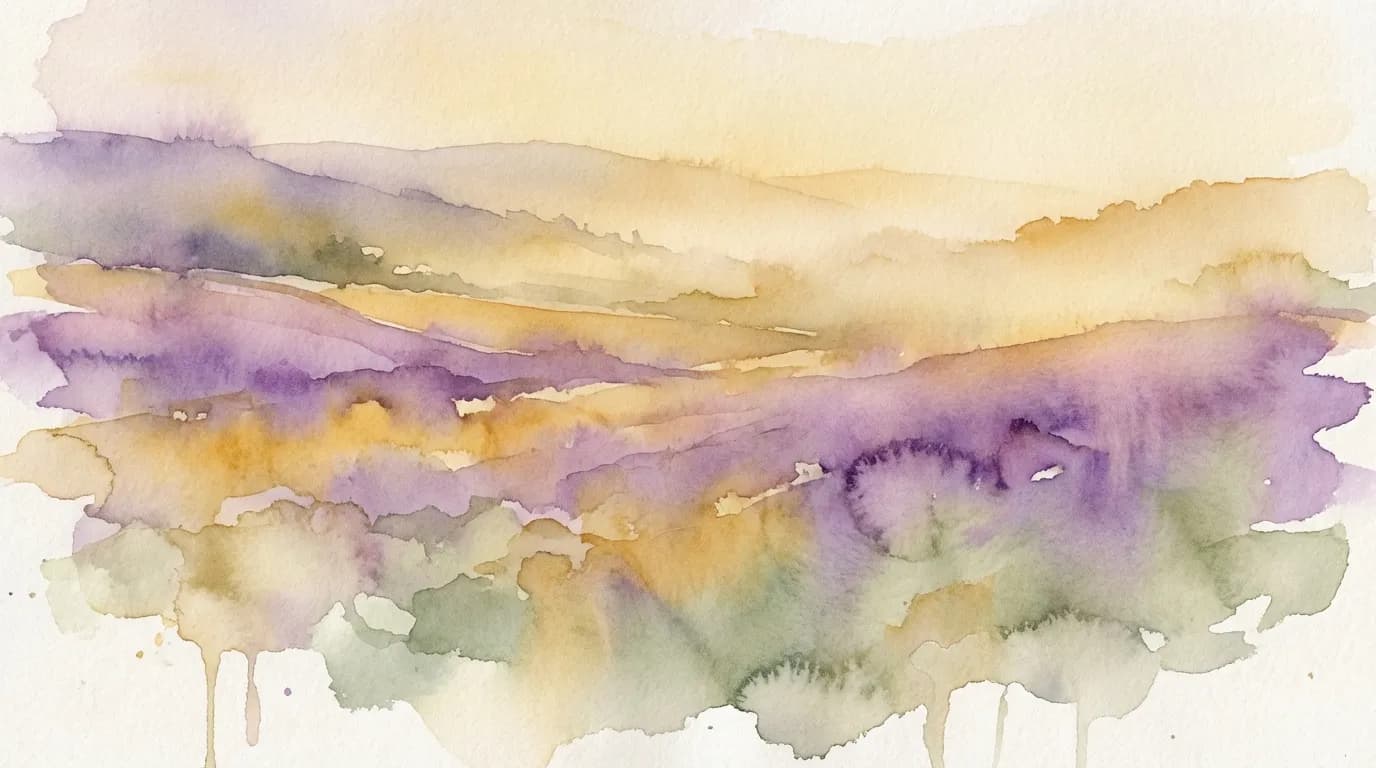
An AI portrait is an image generated by a machine learning model that has been trained on enormous quantities of existing imagery (paintings, photographs, illustrations) and learned the statistical patterns of how visual elements typically appear together. When you ask the model for a watercolor portrait of your dog, you are essentially asking it to combine three things: the visual identity of your specific dog (extracted from the photo you uploaded), the structural conventions of a portrait (face roughly centered, eyes prominent, body in proportion), and the stylistic conventions of watercolor (soft edges, washes of color, paper texture).
The model does not copy any single watercolor portrait from its training data. It produces something new, guided by the patterns it has learned, anchored by the specific input you gave it. This is closer to how a human artist works than people sometimes admit. A human portrait painter has also looked at thousands of portraits over their lifetime, has internalised what a watercolor portrait should look like, and applies that internal sense to the specific subject in front of them. The AI is faster, less expensive, and (for now) less imaginative, but the basic process is structurally similar.
The photo upload step (more important than it looks)
When you upload your photo, the first thing a well-designed AI portrait service does is analyse it. The system identifies the subject (a face, a dog, a couple), notes the framing (close-up, half-body, full-body), assesses the lighting, checks the resolution, and looks for anything that might cause trouble (multiple subjects in confusing poses, heavy shadow across a face, motion blur, very low resolution).
This analysis is what allows the service to either generate a beautiful portrait, or to flag the photo as suboptimal before generation begins. Bad services skip this step and just throw the photo at the model. Good services use it to set expectations and improve the input.
The next step is what is sometimes called encoding. The photo is converted into a kind of mathematical description of the subject, capturing the structural features (shape of the face, color of the eyes, length of the snout, fur texture, pose) in a form the generative model can use as a reference. This is the step that makes likeness preservation possible. The encoded reference travels with the request all the way to the final image.
Diffusion models, the engine doing the actual painting
Most modern AI portraits are produced by diffusion models. The name comes from physics. Diffusion is the process by which particles spread out from a high-concentration area into a low-concentration area, like a drop of ink dispersing in a glass of water. Diffusion models learn to do this process in reverse: they start with pure noise (random pixels, the visual equivalent of static) and progressively remove the noise to reveal an image.
Imagine a sculptor staring at a block of marble. The sculptor does not add marble to make a statue. They remove the parts that are not the statue. A diffusion model does roughly the same thing with pixels. It starts with random noise and, step by step, removes the noise that does not belong to the image it is trying to produce. Each step is guided by two things: the encoded reference from your photo (this is what makes the image look like your subject) and the style prompt (this is what makes it look like a watercolor, an oil painting, a cartoon, and so on).
“The fastest way to understand diffusion: it is a sculptor chipping away at a block of pixel noise, guided by the photo you uploaded and the style you chose, until what remains is your portrait.”
This process typically runs for between twenty and fifty denoising steps. Each step makes the image clearer and more recognisable. Modern systems can complete the whole process in a few seconds. The total time you wait (often two to three minutes for a free preview at FrameArto) is dominated not by the generation itself but by everything around it: queueing, multiple variations being produced in parallel, quality checks, and the final image being uploaded for you to view.
Why preserving likeness is genuinely hard
The single biggest technical challenge in AI portraiture is likeness. It is one thing to generate a beautiful watercolor of a generic dog. It is another to generate a beautiful watercolor of your specific dog, with their specific markings, in their specific colors, with their specific personality showing through the eyes. Likeness is what separates a portrait service from a generic image generator.
The reason likeness is hard is that the diffusion process, left to itself, will gently drift toward whatever the model has seen most often during training. If most golden retrievers in the training data have a slightly lighter coat than yours, the model will quietly nudge your darker retriever toward the average. Over multiple denoising steps, those tiny nudges compound. Without careful technical countermeasures, the final portrait will be of a generic version of your subject’s breed, not your subject specifically.
Good services use a combination of techniques to fight this drift. The encoded reference from your photo is fed into the model at multiple denoising steps to keep pulling the image back toward your actual subject. Specialised modules (sometimes called identity-preserving adapters) are layered on top of the base diffusion model. Color reference is applied as a separate constraint to prevent the breed-average drift. The whole pipeline is essentially a series of small course corrections that say, no, no, no, look at this photo, keep this dog, the actual one in front of you, not the average.
What makes a portrait genuinely good
A good AI portrait does four things at once. Get any one of them wrong and the portrait fails, even if the other three are excellent.
- Likeness: the subject must be recognisably the actual subject, not a generic version.
- Composition: the framing, balance, and pose must feel intentional rather than accidental.
- Color: the palette must feel cohesive, not a random scatter of saturation.
- Style faithfulness: the medium must actually look like what it claims to be (a watercolor must feel like watercolor, not a filter applied to a photo).
You will notice that none of these four are about the underlying technology. A bad portrait can be produced by the most expensive model in the world if the service did not invest in the surrounding craft. A good portrait can be produced by a smaller model if the team understands what they are doing. The technology is the engine, but the engineering, the quality controls, the iterative testing, the style libraries, the human review of edge cases, are what produce a portrait worth paying for.
The role of style prompts (and why they leak)
Behind every style you can choose on a portrait service is a carefully written prompt that tells the model what to produce. A watercolor portrait prompt might mention specific painters (Sargent, Homer, Sorolla), specific paper qualities, specific edge softness, specific palette ranges. An oil painting prompt might invoke Vermeer, Velazquez, classical chiaroscuro lighting, and warm earth tones.
Writing these prompts is an art in itself. Bad prompts produce flat, generic results that look like every other AI portrait. Good prompts produce results that feel specifically Sargent-watercolor or specifically Vermeer-oil, not just generic painterly imagery. The gap between a service that has spent weeks tuning each style prompt and one that has not is enormous and immediately visible to a trained eye.
Why some services produce slop and others do not
You have probably seen the cheap AI portraits flooding social media. The face is melted slightly. The hands have six fingers. The dog’s eyes are weirdly placed. The watercolor looks more like a filter than a painting. These are slop.
Slop is not produced by AI being bad. Slop is produced by services that took shortcuts. The most common shortcuts: skipping the likeness preservation step, using a generic style prompt without per-style tuning, generating a single image rather than multiple variations to choose from, not validating the result before delivery, not allowing retries when the output is poor, not investing in the post-processing that cleans up small artifacts (extra fingers, melted edges, weird shadows).
A service that produces consistently good portraits has invested in all of these. The output is not magic, it is the result of a careful pipeline with many small quality controls. That is why the same underlying base model can produce stunning results in one service and slop in another. The model is the same. The engineering is not.
The ethical questions worth taking seriously
AI portraiture is genuinely new, and several ethical questions deserve real consideration rather than dismissal.
The first is training data. The diffusion models powering AI portraiture were trained on enormous quantities of imagery, much of it scraped from the internet, some of it from artists who did not explicitly consent to their work being used as training data. This is the subject of ongoing legal and ethical debate. Reputable services use base models from providers who have made (or are making) good faith efforts to address this, including licensing arrangements, opt-out registers, and compensation schemes for artists. A service that has no public position on this is worth questioning.
The second is identity and likeness. AI can produce portraits of any person from any photo, which raises real questions about consent. Reputable services restrict uploads to photos the user owns or has rights to, decline to produce portraits of identifiable third parties without consent, and never use uploaded photos to train future models without explicit opt-in.
The third is environmental impact. Generating images with diffusion models uses electricity, and at scale, the energy cost is non-trivial. Good services use efficient inference (faster, less power-hungry runs), schedule generation against low-carbon grid times where possible, and offset what they cannot avoid.
None of these questions disqualify AI portraiture as a category. They are simply the conversations worth being inside, rather than ignoring.
The future, briefly
AI portraiture is going to get better, faster, and cheaper. Within a few years, you will likely be able to generate a fully personalised watercolor portrait of your family on your phone in seconds, with likeness preservation that beats the best of what is available today. Style libraries will expand. Hybrid styles (watercolor body with oil-modelled face, line art with photorealistic eyes) will become standard. Custom training (give the model twenty photos of your dog and it learns your specific dog’s identity in a way no generic model can) will become commonplace at reasonable prices.
What will not change is the underlying logic. A portrait is a way of saying, this person, this animal, this moment, mattered enough to be made permanent. AI just gives more people access to the act of saying it. Used well, that is a quietly beautiful expansion of what portraiture has always been for.
Frequently Asked Questions
The questions readers ask us most about this topic.
How does AI turn my photo into a painting?
The service analyses your photo, encodes the subject into a mathematical reference, then runs a diffusion model that starts with random noise and progressively removes the noise to reveal your portrait. The encoded reference and the chosen style prompt guide the process at every step.
What is a diffusion model?
A diffusion model is the type of AI that produces most modern AI portraits. It works by starting with pure pixel noise and removing the noise step by step until an image emerges, guided by your photo and the style you chose. Imagine a sculptor chipping away at marble. The diffusion model chips away at noise instead.
Why does my AI portrait sometimes not look exactly like me?
Likeness preservation is the hardest technical problem in AI portraiture. Without careful engineering, diffusion models drift toward generic averages of whatever you uploaded. Good services use identity-preserving adapters and reference the photo at multiple denoising steps. If your portrait does not look right, regenerate with a clearer or more frontal photo.
Are AI portraits copied from real artists?
No. Diffusion models learn statistical patterns from training data but do not copy specific images. The portrait produced is a new image, not a copy of any single painting. The model has internalised what a watercolor portrait should look like, in the same way a human artist has after years of looking at watercolors.
Why do some AI portraits look bad (extra fingers, melted faces)?
Cheap services take shortcuts: skipping likeness preservation, using untuned style prompts, generating single images instead of multiple variations, and skipping post-processing. The same underlying AI can produce stunning results in a well-engineered pipeline and slop in a careless one. The difference is the engineering, not the model.
Will the AI use my photo to train future models?
Reputable services do not. At FrameArto your uploaded photos are used only to generate your portraits and are not retained for model training. If a service does not have a clear position on this, that itself is a red flag.
How long does AI portrait generation actually take?
The diffusion process itself takes a few seconds per image. Total wait time, typically two to three minutes for a free preview, is dominated by queueing, generating multiple style variations in parallel, quality checks, and uploading the finished images for you to view.
Is it ethical to commission an AI portrait?
Yes, if the service has thought seriously about training data provenance, identity consent, and environmental impact. The category as a whole is new and the ethical conversations are ongoing. Choose services that engage with these questions transparently rather than ones that pretend they do not exist.
See what your photo can become.
Generate a free preview in three styles. No credit card, no commitment, results in under three minutes.
Start My Free Preview